The internet has become a huge part of our daily lives. We use computers and smartphones for work, studies, online shopping, banking, entertainment, and communication. While technology has made life easier, it has also created new risks. One of the biggest cyber threats today is ransomware. I have noticed that many people hear this word in the news but do not really understand what it means or how it works. That is why I decided to explain ransomware in simple words that anyone can understand.
When I first started learning about cybersecurity, ransomware seemed like a very complicated topic. After reading about it and understanding how cybercriminals use it, I realized that anyone can become a victim if they are not careful. The good news is that by learning a few basic things, we can reduce the chances of becoming a target.
What Is Ransomware
Ransomware is a type of malicious software that locks or encrypts your files and then demands money to unlock them. In simple words, it takes your important data hostage. The attackers ask for a payment, usually in cryptocurrency, because it is harder to trace. They promise to restore access to your files after receiving the payment, but there is never a guarantee that they will actually do it.
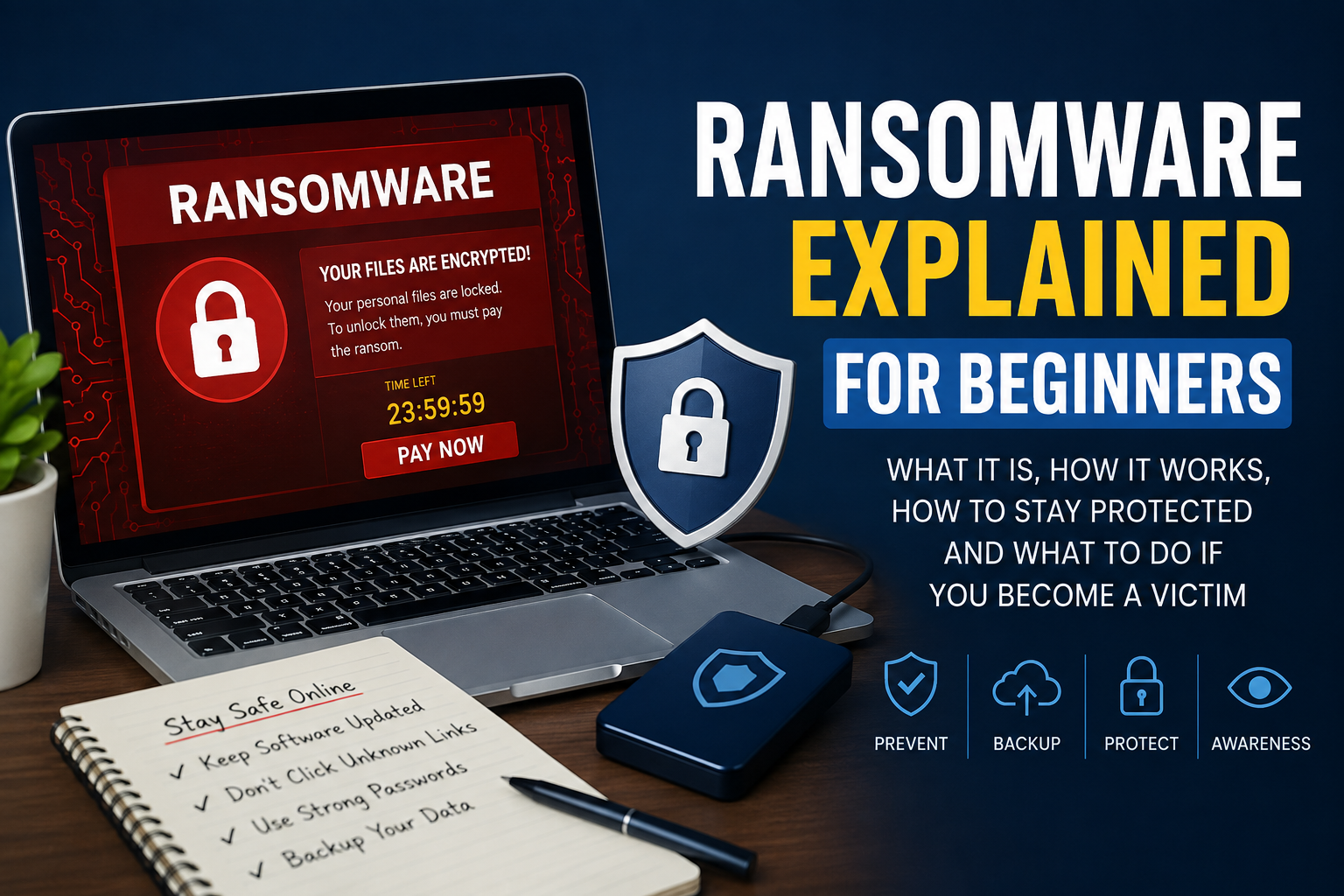
Imagine turning on your computer one morning and finding that all your photos, documents, videos, and work files can no longer be opened. Instead of your normal desktop, you see a message saying that your files have been encrypted and you must pay money within a certain time. That is how ransomware usually works.
How Ransomware Works
I think the easiest way to understand ransomware is by looking at its basic process.
First, cybercriminals create or purchase ransomware software.
Next, they try to spread it through different methods such as phishing emails, fake downloads, infected websites, or software vulnerabilities.
When the victim accidentally installs the ransomware, it silently scans the computer and begins encrypting important files.
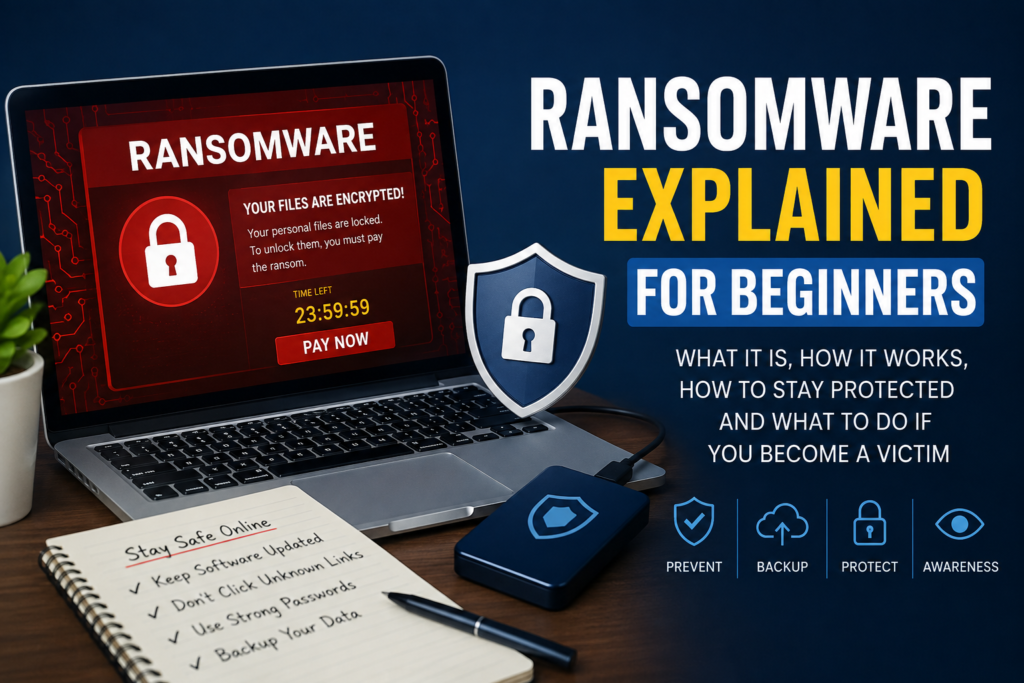
Once the encryption process is complete, a ransom note appears on the screen. This note tells the victim how much money must be paid and provides payment instructions.
Some ransomware also threatens to delete the files permanently or publish private information online if the payment is not made within a certain period.
How People Get Infected
Many people believe ransomware only affects large companies, but that is not true. Home users, students, freelancers, and small businesses can also become victims.
One common method is phishing emails. Attackers send fake emails that look like they came from a trusted company. The email may contain an attachment or a link. Once the attachment is opened or the link is clicked, the ransomware starts downloading.
Another common method is downloading cracked software or pirated games. Many unofficial websites hide malware inside free software. Someone may think they are getting a free application, but they actually install ransomware.
Fake software updates are another trick. A pop up message may claim that your browser or media player needs an update. If you install it from an unknown source, it may infect your system.
Some attackers also exploit outdated software. If your operating system or applications have security weaknesses that have not been updated, hackers may use those weaknesses to install ransomware without your knowledge.
Types of Ransomware
Not all ransomware behaves in the same way. Some versions are more dangerous than others.
File encrypting ransomware is the most common type. It encrypts documents, images, videos, and other important files so they cannot be opened.
Locker ransomware locks the entire computer instead of individual files. The victim cannot use the device until the lock is removed.
Scareware pretends to be ransomware by showing fake warnings that claim your computer is infected. It pressures users into paying for fake security software.
Double extortion ransomware is becoming more common. Before encrypting files, attackers steal sensitive information. They then threaten to publish that data if the ransom is not paid.
Signs Your Computer May Have Ransomware
There are several warning signs that should never be ignored.
Files suddenly become impossible to open.
File names or extensions change without explanation.
The computer becomes very slow during file encryption.
A ransom message appears demanding payment.
Desktop wallpaper changes to display warning instructions.
Important folders disappear or become inaccessible.
Unknown programs start running automatically.
If any of these signs appear, disconnect the computer from the internet immediately to reduce further damage.
Why Ransomware Is Dangerous
I believe ransomware is one of the most dangerous cyber threats because it attacks something that people value the most, which is their personal and professional data.
Many people keep family photos, business records, university assignments, financial documents, and personal memories on their computers. Losing access to these files can be emotionally and financially painful.
Businesses may lose customer trust, stop their operations, and face huge financial losses. Hospitals, schools, and government organizations have also been affected by ransomware attacks in recent years.
Sometimes even paying the ransom does not solve the problem. Attackers may disappear after receiving the money or demand even more.
Should You Pay the Ransom
Many cybersecurity experts recommend avoiding ransom payments whenever possible.
Paying does not guarantee that your files will be restored.
It encourages criminals to continue attacking more victims.
Some victims pay and never receive the decryption key.
Attackers may target the same victim again because they know the person is willing to pay.
Instead of paying, it is usually better to restore files from a secure backup if one is available.
How to Protect Yourself from Ransomware
The best defense against ransomware is prevention. I always believe that spending a few minutes improving security is much easier than dealing with an infected computer.
Keep your operating system updated because updates often fix security weaknesses.
Install software only from official and trusted websites.
Avoid downloading pirated software, cracked applications, or illegal games.
Never open suspicious email attachments or click unknown links.
Use strong passwords for all your online accounts.
Enable two factor authentication whenever possible.
Install a trusted antivirus program and keep it updated.
Create regular backups of important files and store them separately from your main computer.
Be careful while using public WiFi networks, especially when accessing sensitive information.
Learn to recognize phishing emails because they remain one of the biggest causes of ransomware infections.
What to Do If You Become a Victim
If your computer becomes infected, do not panic. Acting quickly can help reduce the damage.
Disconnect the computer from the internet immediately.
Remove external storage devices to protect backup files.
Do not restart the system repeatedly unless instructed by a cybersecurity professional.
Take a picture of the ransom message for future reference.
Run a trusted antivirus or anti malware tool if possible.
Check whether you have clean backups that can restore your files.
Report the incident to local cybercrime authorities if applicable.
Seek professional technical assistance if important business or personal data is involved.
The Importance of Data Backups
If there is one lesson I have learned while studying cybersecurity, it is the value of regular backups.
Imagine losing years of family photos, work documents, or study notes in just a few minutes. If you already have a recent backup stored safely, you can restore your files without depending on criminals.
A good backup strategy includes keeping copies of your important files on an external hard drive or a secure cloud storage service. These backups should not stay permanently connected to your computer because ransomware may encrypt connected storage devices as well.
Common Myths About Ransomware
Many people have misunderstandings about ransomware.
Some believe only businesses are attacked. In reality, anyone with an internet connected device can become a victim.
Others think antivirus software alone provides complete protection. Antivirus programs are important, but safe online behavior is equally necessary.
Some users assume Mac computers or smartphones are completely immune. Although attacks are less common on some platforms, no device is completely safe.
Many people believe paying the ransom is the fastest solution. Unfortunately, many victims never recover their files even after making the payment.
Why Cybersecurity Awareness Matters
Technology keeps changing, and cybercriminals continue developing new attack methods. That is why cybersecurity awareness is becoming more important every year.
I believe that learning about threats like ransomware is not only useful for IT professionals but also for students, parents, employees, and business owners. Even basic knowledge can prevent expensive mistakes.
Simple habits such as checking email senders carefully, updating software regularly, and backing up important files can make a huge difference.
Final Thoughts
Ransomware is one of the most serious cyber threats in today’s digital world, but it is also one of the threats that can often be prevented through awareness and smart online habits. I believe every internet user should understand how ransomware works because knowledge is one of the strongest forms of protection.
Instead of living in fear of cyber attacks, we should focus on building good security habits. Keeping software updated, avoiding suspicious downloads, creating regular backups, and thinking carefully before clicking unknown links can greatly reduce the risk of infection.
At the end of the day, protecting our digital life is our own responsibility. The more we learn about ransomware and other online threats, the safer we become. A little caution today can save us from major financial loss, stress, and data loss in the future.