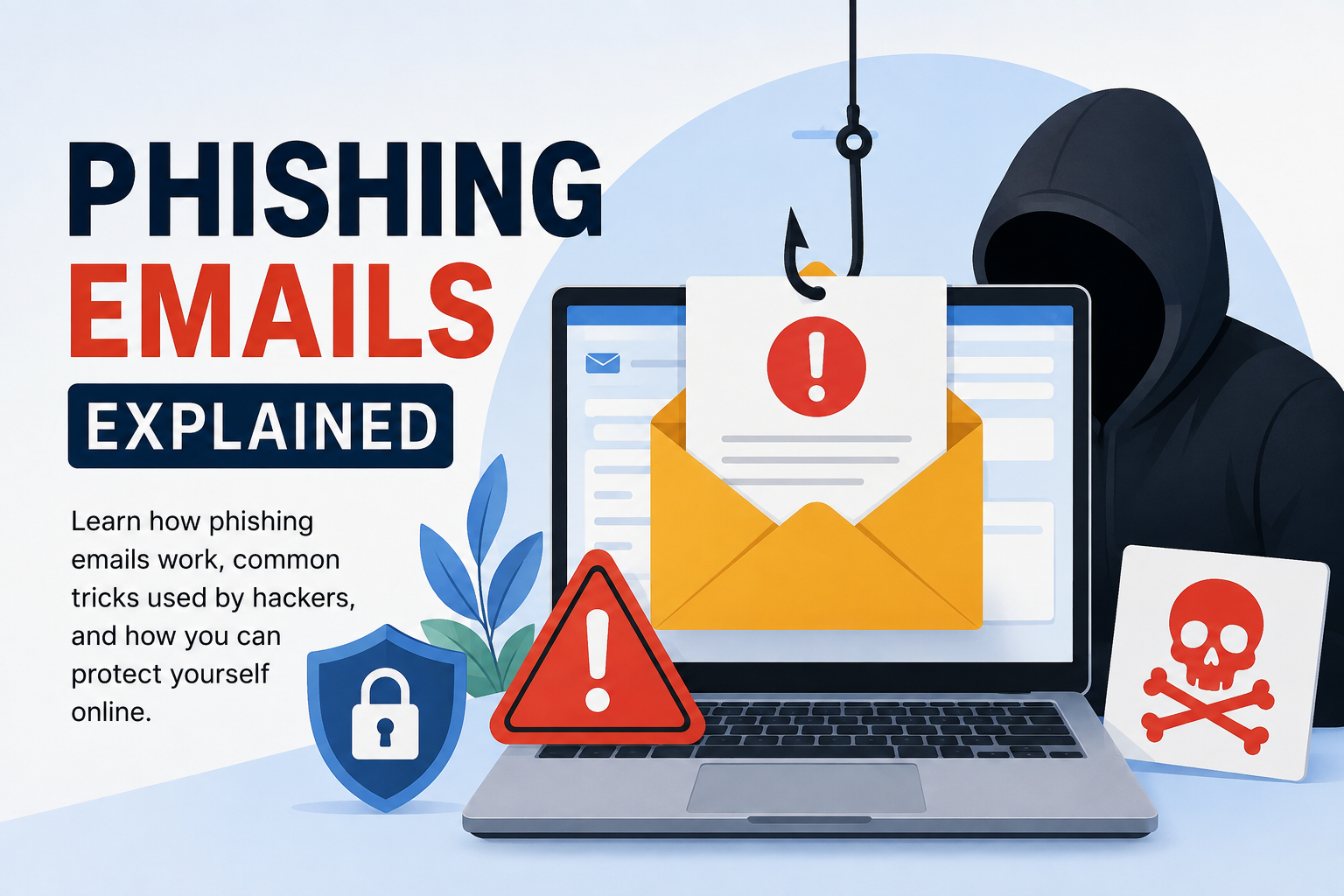
Every day, millions of emails are sent across the world. Some are important messages from banks, businesses, schools, or friends. Others are dangerous emails created by cybercriminals. These fake messages are known as phishing emails. Over the years, I have realized that phishing is one of the easiest ways hackers trick people into giving away personal information. It does not require advanced hacking skills because it mainly depends on human mistakes.
Understanding phishing emails is important because almost everyone uses email today. Whether we use it for work, online shopping, banking, or social media, our email account is connected to many valuable services. If someone gains access to it, they can create serious problems.
What Is a Phishing Email
A phishing email is a fake email that looks like it comes from a trusted company, organization, or even someone you know. The purpose of the email is to trick you into clicking a harmful link, downloading an infected file, or sharing personal information such as passwords, bank details, or credit card numbers.
The word phishing comes from the idea of fishing. Just like a fisherman throws bait into the water hoping to catch fish, cybercriminals send thousands of fake emails hoping that at least a few people will fall for their tricks.
Why Phishing Emails Are So Common
I believe phishing emails are popular because they are simple to create and can reach thousands of people within minutes. Instead of attacking computer systems directly, hackers target human emotions. They know that many people react quickly without checking whether an email is real.
Some people panic when they see a warning about their bank account. Others become excited after reading that they have won a prize. Hackers use these emotions to convince people to make poor decisions.
How Phishing Emails Work
The process usually starts when a cybercriminal creates an email that looks genuine. They may copy the logo, colors, and writing style of a famous company. The email often asks the user to take immediate action.
For example, the email might say that your account has been locked and you must sign in immediately. Once you click the link, it takes you to a fake website that looks almost identical to the real one. If you enter your username and password, the hacker receives your information instantly.
Some phishing emails include attachments instead of links. These files may contain malware that infects your computer after opening them.
Common Signs of a Phishing Email
One thing I have learned is that phishing emails usually contain warning signs. If we pay attention, we can avoid becoming victims.
The sender’s email address often looks unusual. It may contain extra letters, random numbers, or a slightly different domain name.
Many phishing emails create urgency. They tell you that your account will be suspended within a few hours unless you act immediately.
Poor grammar and spelling mistakes are also common. While some phishing emails are written professionally, many still contain obvious language errors.
Unexpected attachments should always be treated carefully. If you were not expecting a file, avoid opening it until you confirm it is safe.
Another warning sign is suspicious links. Before clicking, place your mouse over the link and check where it actually leads. If the website address looks different from the official company website, do not click it.
Types of Phishing Emails
Phishing comes in different forms.
The first type is regular phishing, where attackers send the same fake email to thousands of people hoping that someone will respond.
The second type is spear phishing. This is more dangerous because the attacker researches the victim before sending the email. The message may include the person’s name, workplace, or other personal information, making it look more convincing.
Whaling is another form of phishing that targets company executives or business owners. Since these individuals have access to valuable information, they are attractive targets for cybercriminals.
Business Email Compromise is another serious attack where hackers pretend to be company executives and ask employees to transfer money or share confidential information.
Real Life Examples
Many people have received emails claiming to be from banks, online shopping websites, or popular streaming services. The email often says there is a problem with your account and asks you to verify your information.
Another common example is receiving a fake delivery notification. The email says your package cannot be delivered until you confirm your address. When you click the link, you are taken to a fake website that steals your login credentials.
I have also seen fake emails claiming that someone has won a lottery or expensive smartphone. These messages ask for personal details or payment of a small processing fee. In reality, there is no prize at all.
What Happens If You Fall for a Phishing Email
Many people think that clicking one wrong link is not a big deal, but the consequences can be serious. If you enter your login details on a fake website, hackers can immediately access your account. They may change your password, lock you out, or use your account to send phishing emails to your contacts.
If your banking information is stolen, criminals may attempt unauthorized transactions or purchases. They can also steal personal information such as your address, phone number, and identity documents. In some cases, this information is sold to other cybercriminals on illegal online marketplaces.
When malware is installed through a phishing email, it can damage files, slow down the computer, or even allow hackers to monitor your activities. That is why taking phishing attacks seriously is extremely important.
How to Identify a Fake Email
Whenever I receive an email asking me to click a link or provide personal information, I always stop for a few moments before taking any action. This simple habit has helped me avoid many scams.
I first check the sender’s email address carefully. A real company will usually use its official domain name. If I notice strange letters or extra numbers, I become suspicious.
Next, I read the email carefully. If it creates unnecessary panic or promises unrealistic rewards, I know it may be a scam.
I also avoid clicking links directly from emails. Instead, I open my browser and visit the official website manually. This small step greatly reduces the risk of visiting fake websites.
How to Protect Yourself from Phishing Emails
Protecting yourself from phishing is easier than many people think. It simply requires good online habits.
Always use strong and unique passwords for your accounts. If one password is stolen, your other accounts will remain protected.
Enable two factor authentication whenever possible. Even if someone steals your password, they will still need the second verification step to access your account.
Keep your operating system and web browser updated. Software updates often include security improvements that help block new threats.
Avoid downloading attachments from unknown senders. If you are unsure whether an attachment is genuine, confirm with the sender before opening it.
Install a trusted antivirus program and allow it to scan downloaded files automatically. Modern security software can detect many phishing attempts before they cause damage.
Never share passwords or banking information through email. Legitimate companies rarely ask for sensitive information this way.
What Businesses Can Do
Phishing does not only affect individuals. Businesses also lose millions of dollars every year because of phishing attacks.
Companies should provide regular cybersecurity training to employees. Workers should learn how to identify suspicious emails and report them immediately.
Email filtering systems should also be used to block dangerous messages before they reach employee inboxes.
Organizations should encourage employees to verify unusual payment requests through phone calls or direct conversations instead of relying only on email communication.
Creating regular backups is another important security measure. If malware infects company systems, backups help restore important data quickly.
Common Myths About Phishing Emails
Some people believe hackers only target wealthy individuals. From my experience, this is completely false. Anyone with an email account can become a victim.
Another myth is that only older people fall for phishing scams. In reality, people of every age make mistakes online. Cybercriminals constantly improve their techniques, making fake emails look increasingly realistic.
Many users also think antivirus software alone provides complete protection. While antivirus programs are valuable, they cannot stop every phishing attack. Safe browsing habits remain the strongest defense.
The Future of Phishing
Phishing attacks continue to evolve every year. Criminals now use artificial intelligence to create convincing emails with fewer grammar mistakes and more personalized content.
Some phishing campaigns even include fake customer support chats, cloned websites, and realistic login pages that are almost impossible to distinguish from genuine ones.
As technology improves, our awareness must improve as well. Staying informed about new scams is one of the best ways to remain protected.
Final Thoughts
In my opinion, phishing emails remain one of the biggest cybersecurity threats because they target people instead of computers. Even the most secure systems can become vulnerable if users trust fake messages without verifying them.
The good news is that avoiding phishing attacks does not require advanced technical knowledge. Simple habits such as checking the sender’s email address, avoiding suspicious links, using strong passwords, enabling two factor authentication, and thinking carefully before clicking can make a huge difference.
I always remind myself that cybercriminals depend on people acting quickly without thinking. Taking a few extra seconds to verify an email can prevent financial loss, identity theft, and unnecessary stress. The internet offers many opportunities, but it is also filled with risks. By staying alert and making smart decisions, we can enjoy the benefits of technology while keeping our personal information safe from phishing attacks.