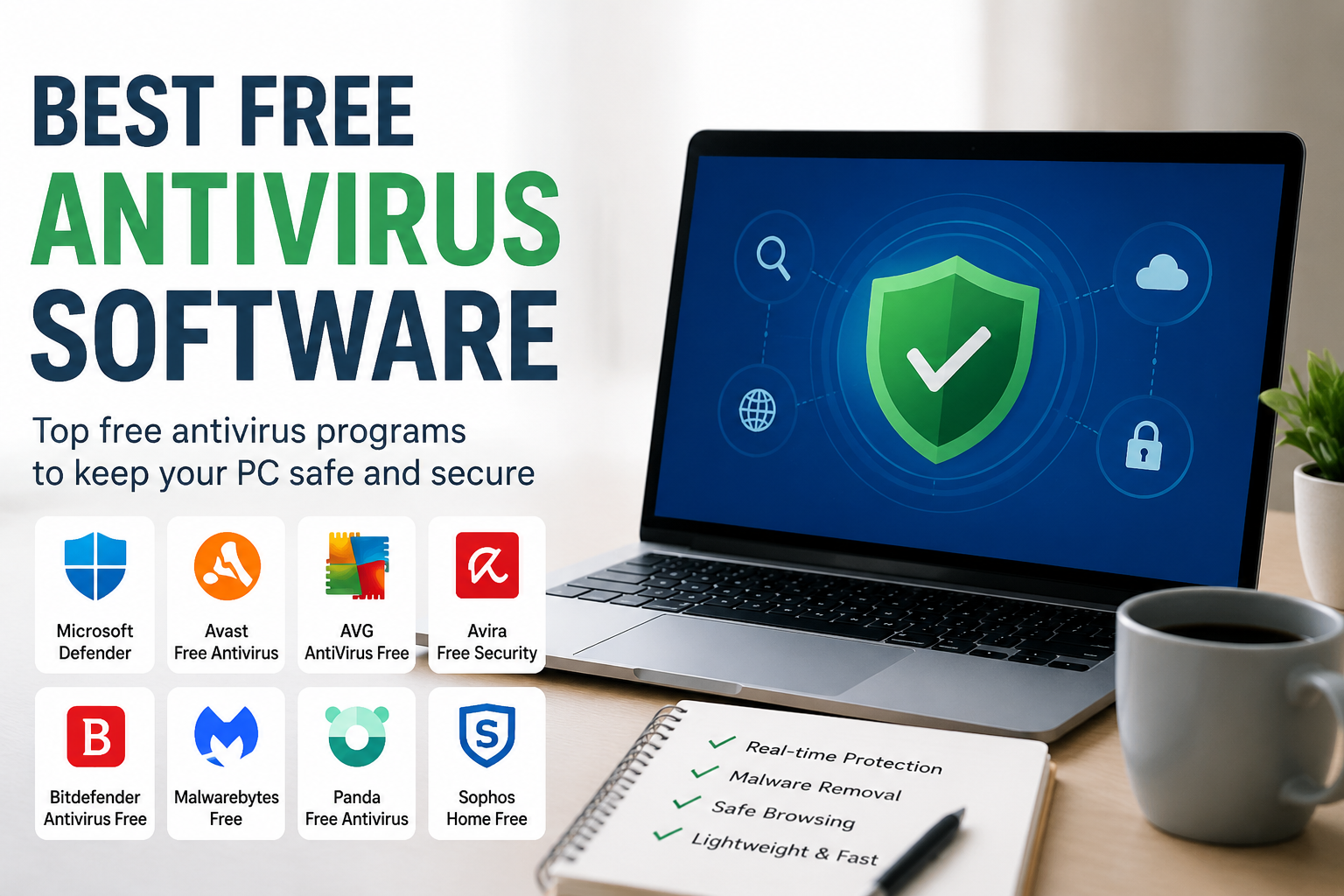
When I first started using a computer, I believed that viruses only affected people who downloaded suspicious files or visited dangerous websites. After spending more time online, I realized that anyone can become a target. Even a simple click on a fake email or an unsafe download can infect a computer. That is why I always recommend installing a reliable antivirus program, even if you are careful while browsing the internet.
The good news is that I do not always need to spend money to keep my computer safe. There are many excellent free antivirus programs available today that provide strong protection against viruses, malware, ransomware, phishing attacks, and other online threats. While premium antivirus software usually includes extra features, many free versions are more than enough for everyday users.
In this article, I will share my thoughts about the best free antivirus software that I believe offers great protection without costing anything.
Why I Think Antivirus Software Is Important
Every day, thousands of new cyber threats appear on the internet. Hackers constantly create new viruses designed to steal personal information, damage files, or slow down computers. Even if I only use my computer for browsing, watching videos, or checking emails, I still need protection.
A good antivirus program helps me detect harmful files before they can cause damage. It also scans downloads, blocks dangerous websites, and warns me about suspicious activities. This gives me peace of mind whenever I use my computer.
What I Look For In A Free Antivirus
Whenever I test free antivirus software, I focus on several important features.
First, I want strong real time protection. The antivirus should automatically stop threats before they infect my computer.
Second, I prefer software that does not slow down my system. Some antivirus programs consume too many system resources, making the computer feel sluggish.
Third, I like software that is easy to use. I do not want to spend hours learning complicated settings.
Finally, I look for regular updates. Cyber threats change every day, so antivirus software should receive frequent updates to stay effective.
Microsoft Defender
One of the first antivirus programs I recommend is Microsoft Defender. The best part is that it already comes built into Windows, so I do not have to install anything extra.
Microsoft Defender has improved significantly over the years. It provides real time protection, scans downloaded files, and blocks many common threats automatically.
I also appreciate how quietly it works in the background. Most of the time I forget it is even running because it does not interrupt my work with unnecessary notifications.
For many people who simply browse the web, watch videos, study online, and use Microsoft Office, Microsoft Defender provides more than enough protection.
Avast Free Antivirus
Another antivirus that I have found useful is Avast Free Antivirus. It has been around for many years and remains one of the most popular free antivirus programs.
Avast offers real time virus detection, malware scanning, and protection against many online threats. The software also includes a smart scan feature that checks for security problems on the computer.
I like its simple interface because everything is clearly organized. Even beginners can easily perform a full system scan with just a few clicks.
Although the free version occasionally displays upgrade offers, its protection remains excellent for users who do not want to spend money.
AVG AntiVirus Free
AVG AntiVirus Free is another reliable option that I often recommend.
AVG uses powerful malware detection technology and receives frequent security updates. It protects my computer from viruses, spyware, ransomware, and many other threats.
I also appreciate that AVG performs automatic scans without requiring much user interaction.
Its interface is clean, modern, and easy to understand. Even people with very little computer knowledge can use it comfortably.
One thing I like is that AVG consumes relatively few system resources, allowing my computer to continue running smoothly during scans.
Bitdefender Antivirus Free
Bitdefender has built an excellent reputation in the cybersecurity industry. Even its free version delivers impressive protection.
When I tested Bitdefender, I noticed how lightweight it felt. It runs quietly in the background while continuously monitoring my computer for suspicious activity.
Bitdefender uses advanced threat detection technology that can identify many new forms of malware before they spread.
Its automatic protection means I rarely need to adjust settings. Everything works automatically, making it perfect for users who simply want reliable protection without complicated options.
Avira Free Security
Avira Free Security offers much more than basic antivirus protection.
Besides scanning for malware, it also includes tools that help improve privacy and optimize system performance.
I especially like its clean design and straightforward dashboard. Important information is displayed clearly, making it easy to understand my computer’s security status.
Avira also receives regular updates, helping protect against newly discovered cyber threats.
For users who want a combination of antivirus protection and extra utilities, Avira is definitely worth considering.
Malwarebytes Free
Malwarebytes Free is slightly different from traditional antivirus software.
Instead of providing continuous real time protection, the free version specializes in detecting and removing malware that may already exist on the computer.
Whenever I suspect that something unusual is happening on my PC, I often use Malwarebytes as a second opinion scanner.
It has an excellent reputation for finding threats that other antivirus programs sometimes miss.
Many users install Malwarebytes alongside another antivirus program to provide an additional layer of security.
Kaspersky Free
Kaspersky Free is another antivirus that consistently performs well during independent security tests.
It provides excellent malware detection while maintaining good system performance.
I like how quickly it scans files without slowing down everyday activities.
Its interface is modern, easy to navigate, and suitable for beginners.
Although the free version lacks some premium features, the basic protection is more than enough for most home users.
Panda Free Antivirus
Another antivirus that has impressed me over the years is Panda Free Antivirus. It offers a simple interface that is perfect for beginners while still providing reliable protection against common cyber threats.
One feature I really like is its cloud based scanning technology. Instead of relying only on my computer’s resources, Panda uses cloud technology to detect threats quickly. This helps reduce the impact on system performance.
The free version also includes USB protection, which automatically scans external drives whenever they are connected. Since many viruses spread through USB devices, I think this feature is very useful.
If I want an antivirus that is easy to install and requires very little maintenance, Panda is definitely one of my favorite choices.
Sophos Home Free
Sophos Home Free is another antivirus that deserves attention. Although it may not be as popular as some other names, it provides strong protection for personal computers.
I like that Sophos uses technology similar to what many businesses use for cybersecurity. This means I get professional level security without paying anything.
The interface is clean and easy to understand. It quietly works in the background and protects against malware, phishing websites, and ransomware.
For families with multiple computers, Sophos can also be a practical solution because it allows users to manage security from a single online account.
TotalAV Free
TotalAV Free is another antivirus that many users appreciate because of its simple design.
When I tested it, I found the installation process quick and straightforward. The software performs fast scans and detects common malware effectively.
Although some advanced features are reserved for the premium version, the free edition still provides a helpful layer of protection for everyday computer use.
I also like that the interface does not overwhelm beginners with complicated settings.
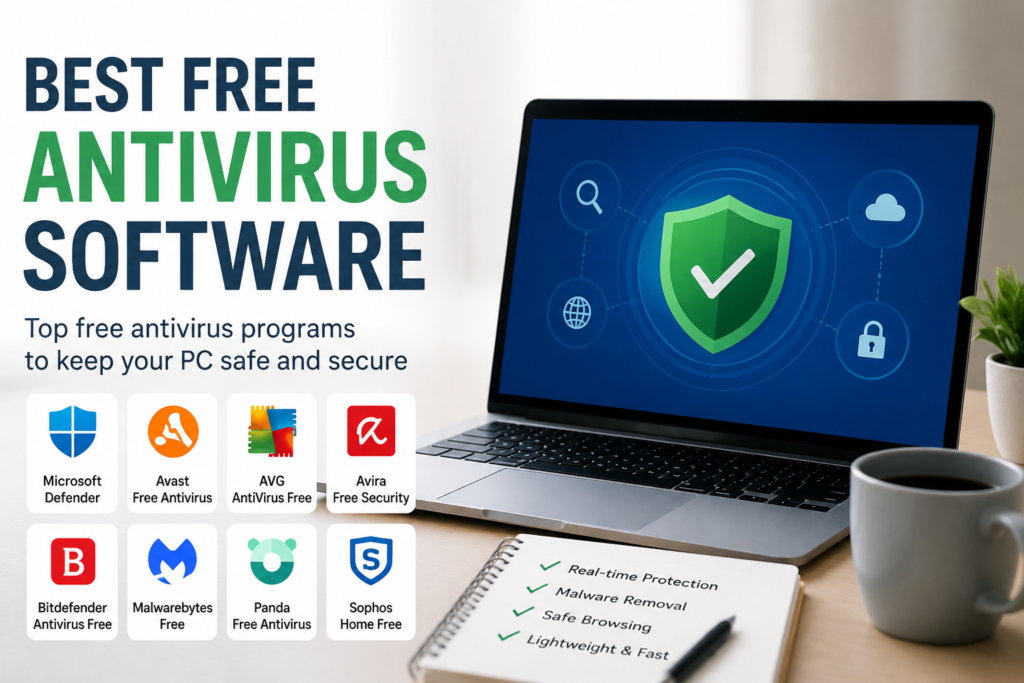
Comparing The Best Free Antivirus Software
Each free antivirus program has its own strengths, so the best choice depends on what I need.
If I want protection without installing anything extra, Microsoft Defender is the easiest option because it comes with Windows.
If I want excellent malware detection and a lightweight experience, Bitdefender Free is one of the strongest choices.
If I enjoy having additional tools and privacy features, Avira Free Security offers more than basic antivirus protection.
If I want a trusted antivirus with a simple interface, Avast and AVG are both excellent options.
If I need an extra scanner to remove hidden malware, Malwarebytes Free works perfectly alongside another antivirus.
If I prefer cloud based protection, Panda Free Antivirus is worth trying.
The good thing is that every one of these antivirus programs offers solid protection without requiring a paid subscription.
Tips I Always Follow To Stay Safe Online
Installing antivirus software is only one part of staying secure. I also follow several habits that help protect my computer every day.
I always keep Windows updated because security updates fix newly discovered vulnerabilities.
I avoid downloading software from unknown websites. Whenever possible, I download programs directly from official websites.
I never open email attachments from people I do not recognize.
I create strong passwords for every important account and avoid using the same password everywhere.
Whenever available, I enable two factor authentication because it adds another layer of protection.
I regularly back up my important files to an external drive or cloud storage. If something unexpected happens, I know my important documents are still safe.
I also scan USB drives before opening any files stored on them.
These simple habits work together with antivirus software to provide much stronger security.
Common Mistakes People Make
Many people think that installing antivirus software means they are completely protected. I have learned that this is not true.
If I ignore software updates, click suspicious links, or download cracked software, even the best antivirus may not be able to stop every threat.
Another mistake is running multiple real time antivirus programs at the same time. This can slow down the computer and sometimes create conflicts between security applications.
Some people also ignore warning messages from their antivirus. Whenever the software reports a suspicious file, I always take the warning seriously instead of assuming it is safe.
My Final Recommendation
After trying several free antivirus programs, I believe there is no single perfect choice for everyone. The right antivirus depends on how I use my computer.
For most Windows users, Microsoft Defender is an excellent starting point because it is already installed and provides reliable everyday protection.
If I want stronger independent protection with very little impact on performance, Bitdefender Free is my personal favorite.
Avast, AVG, Avira, Panda, Sophos, Malwarebytes, and TotalAV are also excellent free options that can help keep my computer secure.
No antivirus can guarantee complete protection, but combining good security software with smart online habits greatly reduces the risk of viruses and cyber attacks.
In my opinion, using free antivirus software is much better than using no protection at all. Spending a few minutes installing trusted antivirus software today can save countless hours of frustration in the future. Whether I use my computer for work, study, gaming, or everyday browsing, I always make sure it is protected because my personal information and important files are simply too valuable to risk.